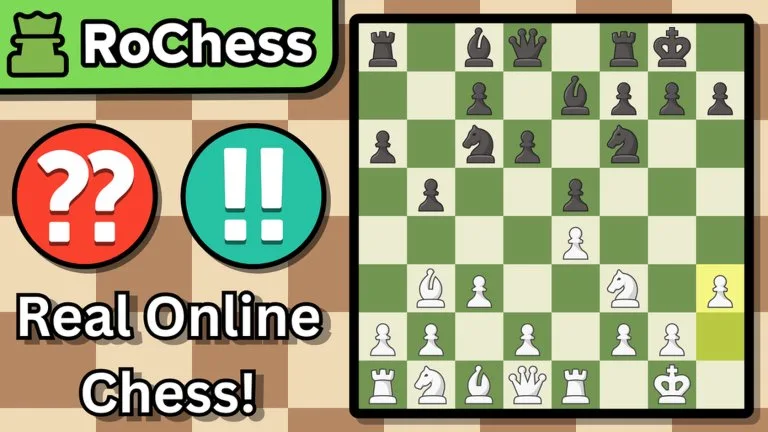
Two tools, two jobs
The experience lists both of these:
- Game Review shows an accuracy score and marks brilliant moves and blunders.
- Analysis Board includes a live engine.
Use Game Review first. It tells you where the game swung. Use the Analysis Board when you want to try other moves in a position the review already flagged. Opening the engine on move one and playing its choice for the rest of the game does not build the habit you missed.
A short review you can finish
- Note the result and the accuracy score.
- Find the first blunder, or the first large swing if the review uses other labels.
- Go to the position before that move.
- Name the reason. Common ones are an unprotected piece, a missed check, a loose back rank, an early queen, or a trade that helped the opponent.
- Look at one alternative. Include the opponent's best reply, not only your idea.
- Pick one pattern to look for in the next game. Forks, pins, and hanging pieces are enough.
If the review shows a brilliant move, study why it worked. It is usually a forcing idea, not a decoration.
What the engine is for
The live engine on the Analysis Board can check a line you are unsure about. It is not a published difficulty rating for the 19 bots, and it is not a substitute for the puzzle you failed. After the engine shows a move, say in your own words what the move attacks or defends. If you cannot, you do not have the idea yet.
Openings inside the review
RoChess! recognises more than 3,800 openings while you play. If a name appears, write it down and compare it with the opening you meant to play. A recognised name does not mean the position is good. It means the move order is known.
Review one game. Do not stockpile five unreviewed losses and hope the next queue fixes them.